
Arbor Parent Information
How to log in to Arbor:
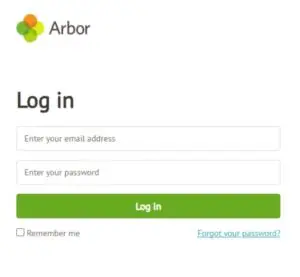 1. Click on: https://login.arbor.sc/
2. Click on: ”Forgot your password?”
3. Follow the instructions on screen
Your username will be the email address that we have on your child’s records
If you have trouble setting up your password or have any general questions about the Parent Portal, visit this Help Centre article. For any other queries, please contact arbor@johnportspencer.org.uk
Arbor Parent App:
- Arbor Guide to the Parent App
- Arbor Guide to Topping up Accounts and Viewing Payments
- Arbor Guide to Viewing Your Child’s Timetable
Arbor Information for Students
How to log in to Arbor:
 Go to https://login.arbor.sc/
- Click on “Forgot your password?”
- Enter your email address, e.g. (yourlogin@johnportspencer.org.uk)
- Check your emails
- Find the ‘Change your Arbor password’ email
- Click on the link to set your password
- Passwords must have 8 characters including upper, lower, number and a special character (e.g.!)
- Click ‘ok’
- You can now log in to Arbor, keep your password saved somewhere safe, but you can do these steps again if you forget your password
Useful Information for Students:
Arbor Guide to Using the Student App
Homework on Arbor – Guide for Students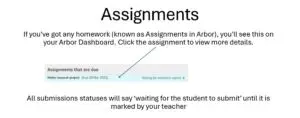
School Network, Arbor and Email – Guide for Students

